
Dave Kenny

Dave Kenny
Backup & Disaster Recovery Contributor
Dave Kenny is a backup and disaster recovery contributor with over 30 years of experience in IT infrastructure, server management, and data protection. He has dealt with large enterprise backup setups, disaster recovery planning, and system recovery solutions, helping teams to safeguard critical business data. His experience background covers backup technologies like Veeam and Commvault, recovery testing, and improving business continuity plans in a more steady way.
Dave shares useful insights around backup, safeguarding data, and recovery planning. The goal is to help organizations lower the odds of data loss.
Expertise
- Backup & Recovery
- Disaster Recovery
- Enterprise Storage
- Data Protection
- Server Recovery
- Business Continuity
By Author
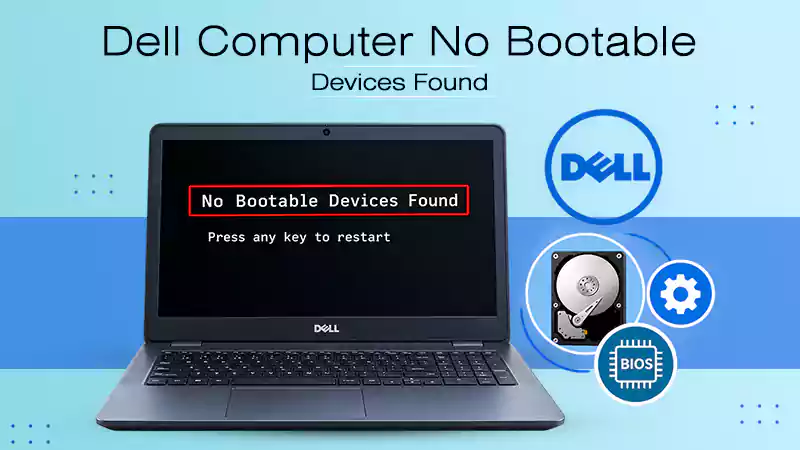
To fix a Dell computer showing the “No bootable device found” error, you need to perform a hardware hard reset.…
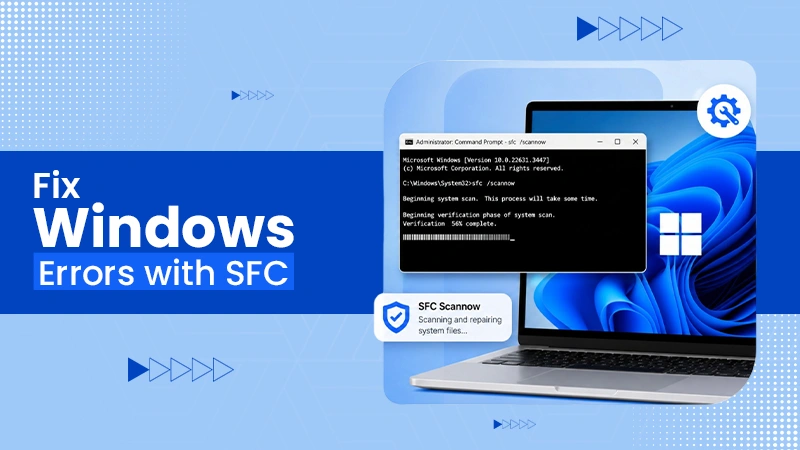
You can quickly fix Windows errors by running the built-in diagnostic tool, sfc scannow through an administrative Command Prompt. By…

exFAT and NTFS are the two dominant file systems that tell how your computer reads, writes, and manages your files.…

A BitLocker recovery key is a unique, 48-digit numerical password automatically generated to protect your Windows computer from data theft.…

You can check your hard drive health for free using your computer’s built-in tools like Windows CHKDSK terminal command, macOS…